
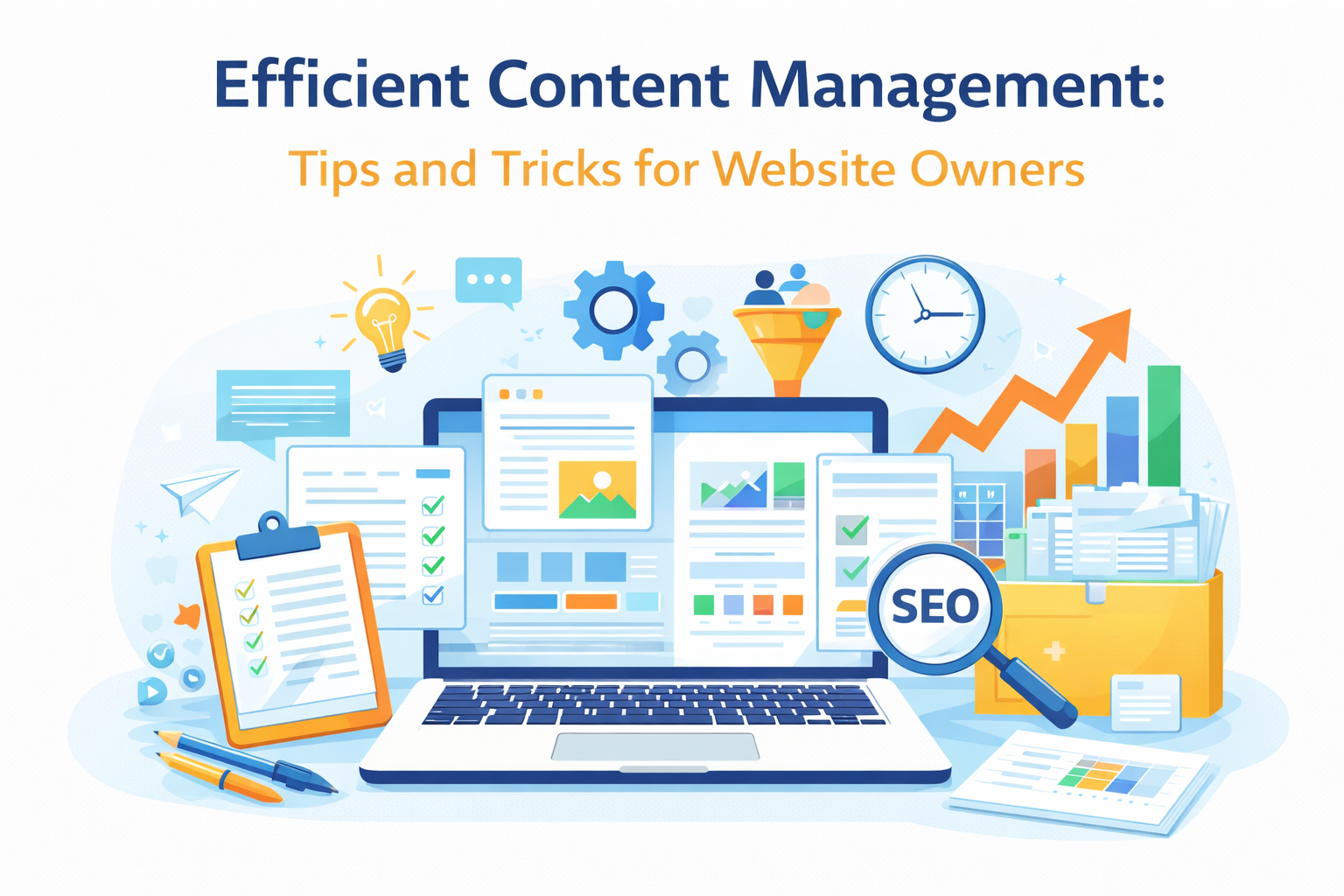
Managing content efficiently is one of the most important skills for website owners who want to grow consistently without feeling overwhelmed. As your website expands with blog posts, pages, and updates, having a clear content management system helps you stay organized, save time, and maintain quality.
In this article, we’ll explore practical content management tips and tricks that website owners can apply immediately—especially those focused on long-term growth, SEO, and AdSense readiness.
What Is Content Management?
Content management refers to how you create, organize, publish, update, and maintain content on your website. This includes blog posts, pages, images, categories, tags, and even old articles that need refreshing.
An efficient content management process ensures that:
-
Your website remains organized
-
Content stays relevant and accurate
-
Publishing becomes faster and more consistent
-
Search engines can easily understand your site structure
For WordPress users, content management goes beyond writing—it’s about planning and maintaining everything strategically.
Why Efficient Content Management Matters
Many website owners focus only on publishing new content but forget about organization and maintenance. Over time, this can lead to cluttered categories, outdated posts, and missed SEO opportunities.
Efficient content management helps you:
-
Improve user experience
-
Maintain consistent posting schedules
-
Strengthen internal linking
-
Avoid duplicate or thin content
-
Prepare your site for monetization platforms like Google AdSense
Simply put, good content management supports sustainable growth.
1. Plan Content Before You Publish
Instead of writing randomly, create a simple content plan. This doesn’t need to be complicated—just list topics related to your niche and decide when to publish them.
Practical tips:
-
Group topics into categories (e.g., SEO, Content Strategy, Digital Marketing Basics)
-
Avoid publishing similar articles back-to-back
-
Keep a list of future post ideas
Planning reduces stress and helps your site look professional and intentional.
2. Use Categories and Tags Properly
Categories and tags help organize your content for both users and search engines.
Best practices:
-
Use categories for broad topics
-
Use tags for specific ideas within a post
-
Avoid creating too many categories
-
Reuse relevant tags consistently
A clean structure improves navigation and makes your website easier to crawl by search engines.
3. Schedule Content Instead of Publishing All at Once
WordPress allows you to schedule posts in advance, which is extremely effective for consistency.
Benefits of scheduling posts:
-
Maintains a steady publishing rhythm
-
Saves time
-
Makes your site look active
-
Helps with long-term planning
Scheduled posts are treated the same as manually published posts by Google and AdSense.
4. Optimize and Update Old Content
Content management isn’t only about new posts. Updating existing articles is equally important.
What to update regularly:
-
Outdated information
-
Broken links
-
Formatting and readability
-
SEO titles and meta descriptions
Refreshing older posts can improve rankings and user engagement without writing from scratch.
5. Maintain Clear Formatting and Readability
Well-structured content is easier to manage and more enjoyable to read.
Use:
-
Clear headings (H2, H3)
-
Short paragraphs
-
Bullet points
-
Consistent fonts and spacing
Good formatting improves user experience and reduces bounce rate.
6. Track Performance and Adjust Strategy
Efficient content management includes monitoring how content performs.
Use tools like:
-
Google Search Console
-
Google Analytics
-
SEO plugins (Rank Math, Yoast)
Pay attention to:
-
Pages with high traffic
-
Posts with low engagement
-
Keywords bringing visitors
This data helps you refine your content strategy over time.
Common Content Management Mistakes to Avoid
Many beginners struggle because of avoidable mistakes, such as:
-
Publishing too many posts without planning
-
Ignoring old content
-
Using unclear categories
-
Focusing only on quantity instead of quality
-
Neglecting internal linking
Avoiding these mistakes early saves time and improves results.
Final Thoughts
Efficient content management is not about doing everything perfectly—it’s about building simple systems that support consistency and quality. By planning ahead, organizing content properly, updating regularly, and tracking performance, website owners can manage content effectively without burnout.
When content management is done right, your website becomes easier to grow, easier to monetize, and more valuable to readers over time.
Leave a Reply